.png)


Key takeaways
- Webflow is a visual website builder that outputs clean, production-grade HTML, CSS, and JavaScript. No plugins, no bloat, no dev ticket every time you need to change a headline.
- It is not a drag-and-drop toy. Webflow gives marketing teams genuine design control while letting developers extend things with custom code when the project needs it.
- For B2B companies, the biggest wins are page speed, precise SEO controls, a flexible CMS, and the ability to ship and iterate without waiting on engineering.
- Enterprise B2B teams get the most from Webflow when it's running on the Enterprise plan with SSO, proper editor permissions, and a CMS structure built for how the marketing team actually works.
What is Webflow?
Webflow is a visual web development platform that lets teams design, build, and publish websites without writing code, while still generating clean, semantic HTML and CSS under the hood.
Unlike drag-and-drop builders that produce messy markup and rely on stacks of plugins to function, Webflow writes the code as you design. The output is the same quality a skilled front-end developer would produce by hand. That distinction matters a lot for performance, SEO, and keeping the site maintainable two years from now.
Founded in 2013, Webflow now powers over 3.5 million websites globally. Its growth among B2B SaaS, fintech, and professional services companies has been particularly sharp, because those are the teams that feel the friction of WordPress or legacy CMS platforms most acutely.
How does Webflow actually work?
Webflow has three core layers. Understanding each one helps you figure out whether it fits your team's setup.
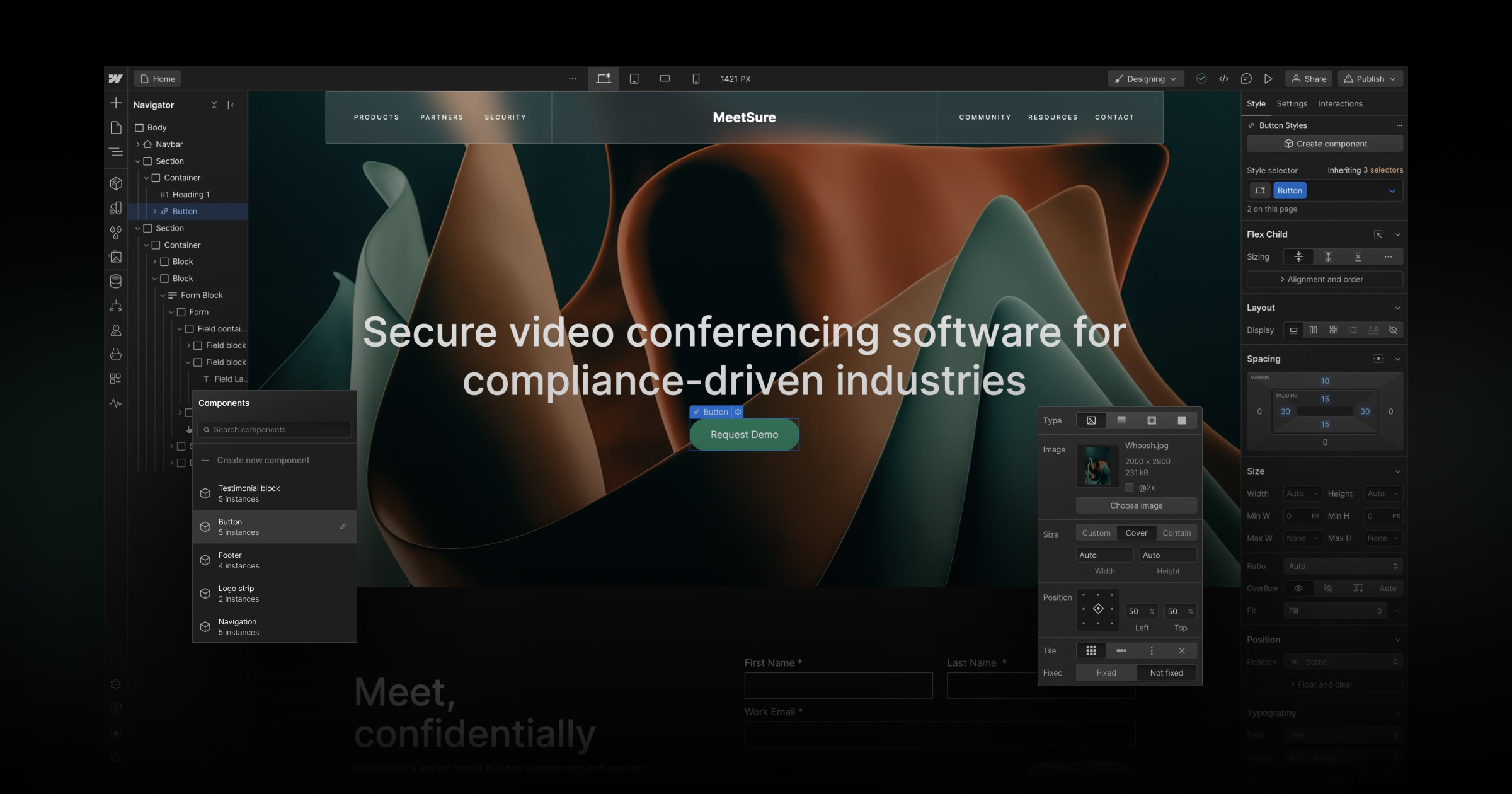
The Webflow Designer
The Designer is the visual canvas where websites are built. It works directly with CSS properties (flexbox, grid, typography, spacing) presented as visual controls rather than code. When you adjust padding in the Designer, Webflow writes the CSS. When you build a responsive layout, Webflow generates the breakpoints.
What you see is genuinely what you get. Not an approximation that looks different in a real browser. For B2B marketing teams, that means campaigns, landing pages, and content updates can get done without touching a developer queue.
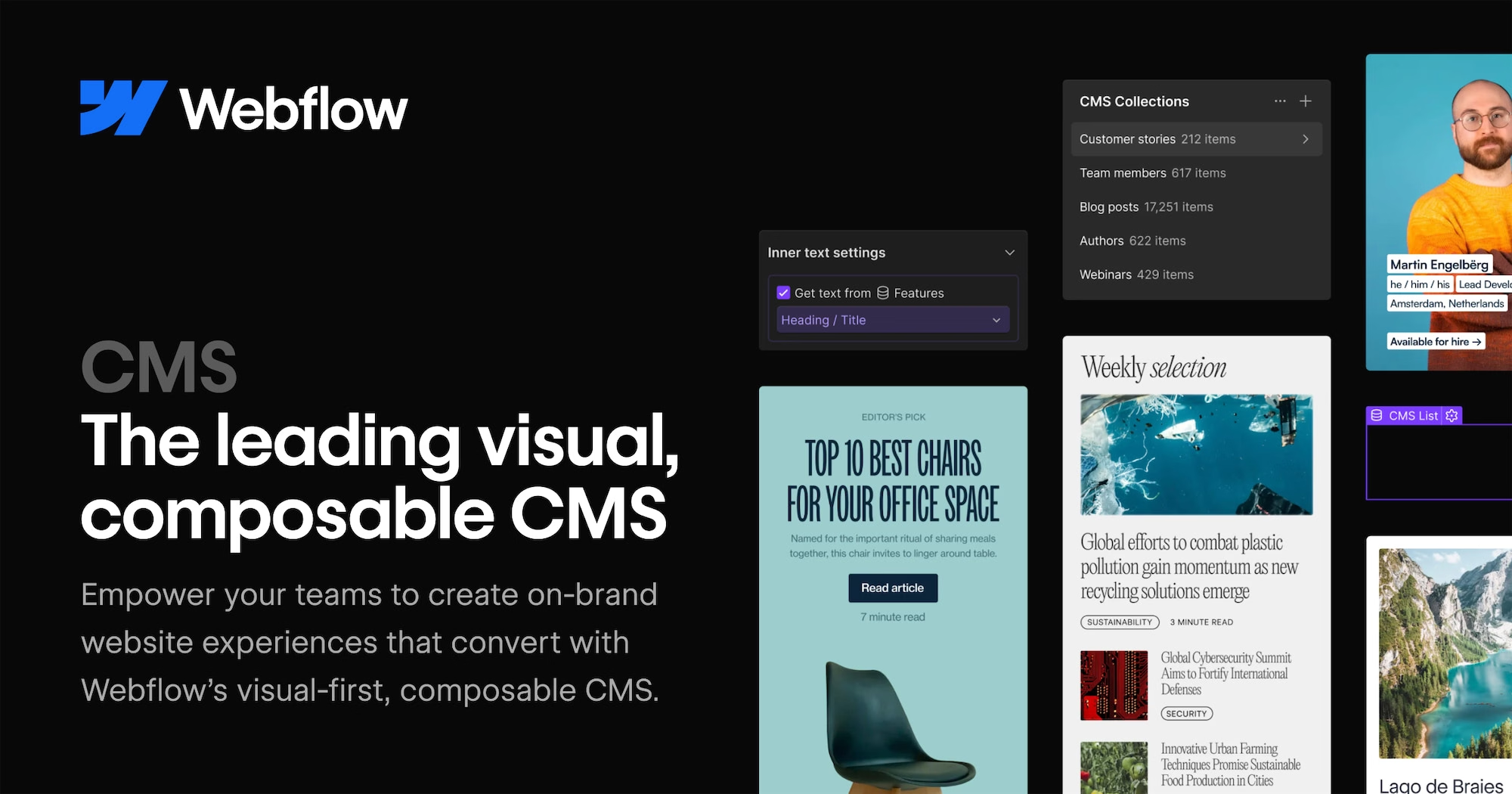
The Webflow CMS
The CMS is a structured content layer. You define content types (blog posts, case studies, team members, product features) and manage them like a database. Marketers add, edit, and publish through a clean editor. Developers bind that content to any part of the design.
Where WordPress uses plugins to approximate structured content, Webflow builds it in natively. Cleaner data, faster pages, and no plugin conflicts to debug on a Friday afternoon.
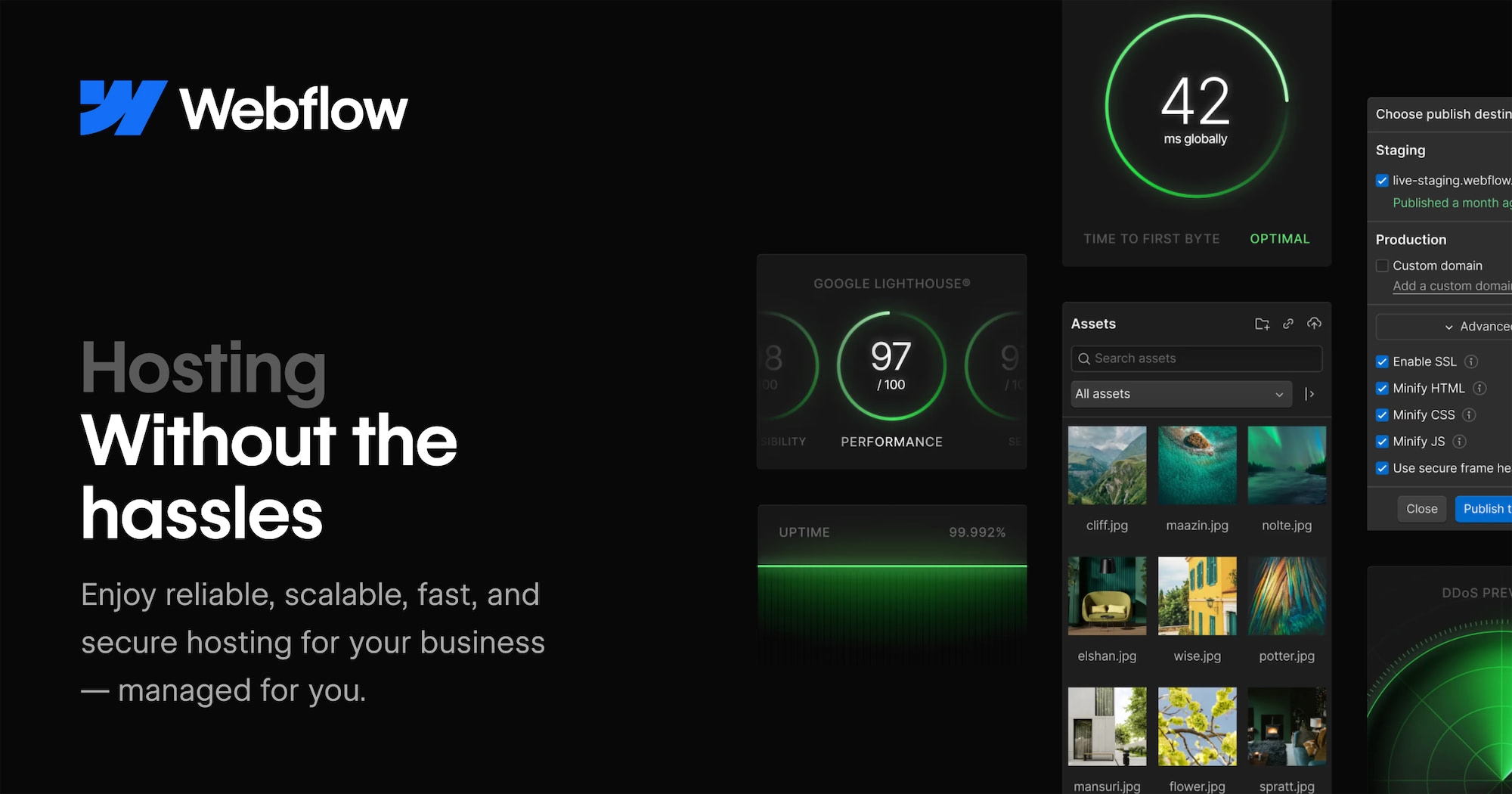
Webflow Hosting
Webflow hosts sites on a global CDN powered by Fastly and AWS. Pages are served as static assets from edge locations close to each visitor, so there is no server-side rendering delay, no PHP processing, no database query on every page load.
For B2B companies where the website is a direct part of the pipeline, hosting performance is not a nice-to-have. A one-second delay in page load time reduces conversions by up to 7%. Webflow's infrastructure removes a whole category of performance problems before they even start.
Why B2B marketing teams switch to Webflow
Webflow is purpose-built for how B2B marketing teams actually work: fast iteration, SEO control, and the ability to publish without raising a dev ticket. It's the platform we recommend to most B2B clients, and it's where we do all of our own work. But the final decision usually comes from one of three places.
1. Too much developer dependency
In most B2B companies running WordPress or a legacy CMS, marketing cannot change a hero image, update a pricing table, or launch a landing page without raising a ticket and waiting. Sometimes days. Sometimes weeks. If you're evaluating a move from WordPress, how long a Webflow migration actually takes is usually the first practical question.
Webflow changes that ownership model. Marketers handle the majority of day-to-day website work themselves, within guardrails that developers set up. This is not about cutting developers out. It is about stopping them from spending half their week on things that should never have needed them.
2. Slow sites are costing you leads
B2B buyers do not wait for slow websites. A SaaS homepage that takes four seconds to load on mobile loses warm leads before a single word is read. WordPress sites carrying page builders, tracking scripts, and unoptimised images routinely score below 50 on Google's Lighthouse audit.
In our work with B2B SaaS and fintech companies at Webnomads, the most consistent result after migrating to Webflow is a 30 to 60 percent reduction in page load time, without any additional performance engineering. The architecture does the heavy lifting by default.

3. SEO and AEO control is too limited on other platforms
Webflow gives marketers direct access to every SEO element that matters: title tags, meta descriptions, canonical URLs, Open Graph data, structured data, sitemap configuration, and robots.txt. None of it requires a plugin or a developer to touch.
As AI search grows as a B2B discovery channel, structuring content so AI systems can read, trust, and cite it is becoming part of the job. Webflow's clean HTML output makes it one of the better platforms for both traditional SEO and Answer Engine Optimisation (AEO).

Webflow vs WordPress for B2B: a direct comparison
The honest take: WordPress has a lower floor but a messier ceiling. Webflow has a higher floor and a much cleaner one. For a B2B company where the website is a primary sales and marketing asset, that trade is usually worth making.
Where Webflow falls short
Being direct about this matters, because the wrong platform fit is expensive to fix later.
Webflow is not a full e-commerce platform. It has basic store functionality, but if you are running hundreds of SKUs, complex product variants, or deep integrations with warehouse systems, you will hit real limits fast. Shopify or a headless commerce setup will serve you better.
Webflow rewards design investment. A team with no designer and no agency partner will likely produce something that underperforms a well-configured WordPress theme. The platform gives you the tools, but someone needs to know how to use them.
It is not something you set up and forget. Like any platform, it needs ongoing attention: content updates, performance checks, CMS refinements as your business changes. The difference is that more of that work can sit with marketing instead of engineering.
What's the learning curve like for marketing teams?
Most marketers are comfortable editing CMS content and updating existing pages within a day or two. Building new pages from scratch in the Designer takes longer. In our experience, a marketing team with no prior Webflow exposure needs two to four weeks of regular use before the Designer feels intuitive. The teams that get there fastest have a structured handover from whoever built the site. That means documented component names, clear editor permissions, and a short walkthrough session.
What can a marketing team do in Webflow without a developer?
Most day-to-day marketing work in Webflow requires no developer involvement at all. Once the site is built and the CMS is structured properly, a non-technical marketer can handle:
- Landing pages - build and publish new pages using existing components and style guides, no code required
- CMS content - create, edit, and publish blog posts, case studies, resource pages, and team bios directly in the editor
- Copy and image updates - change headlines, body text, CTAs, and swap images across any page
- SEO fields - update title tags, meta descriptions, and open graph images per page without touching a developer
- Forms - add or edit forms and connect them to existing HubSpot or Marketo workflows
- A/B testing - duplicate pages, adjust variants, and run tests through your existing stack
Where you still want a developer or a Webflow partner is initial site architecture, new component builds, custom integrations, and anything involving logic outside Webflow's native tools. The setup is the specialist work. The day-to-day is yours.
What kinds of B2B companies get the most from Webflow?
The pattern is pretty consistent: growth-stage B2B, a dedicated marketing function, a design-conscious brand, and a team that treats the website as a revenue channel rather than a digital brochure.
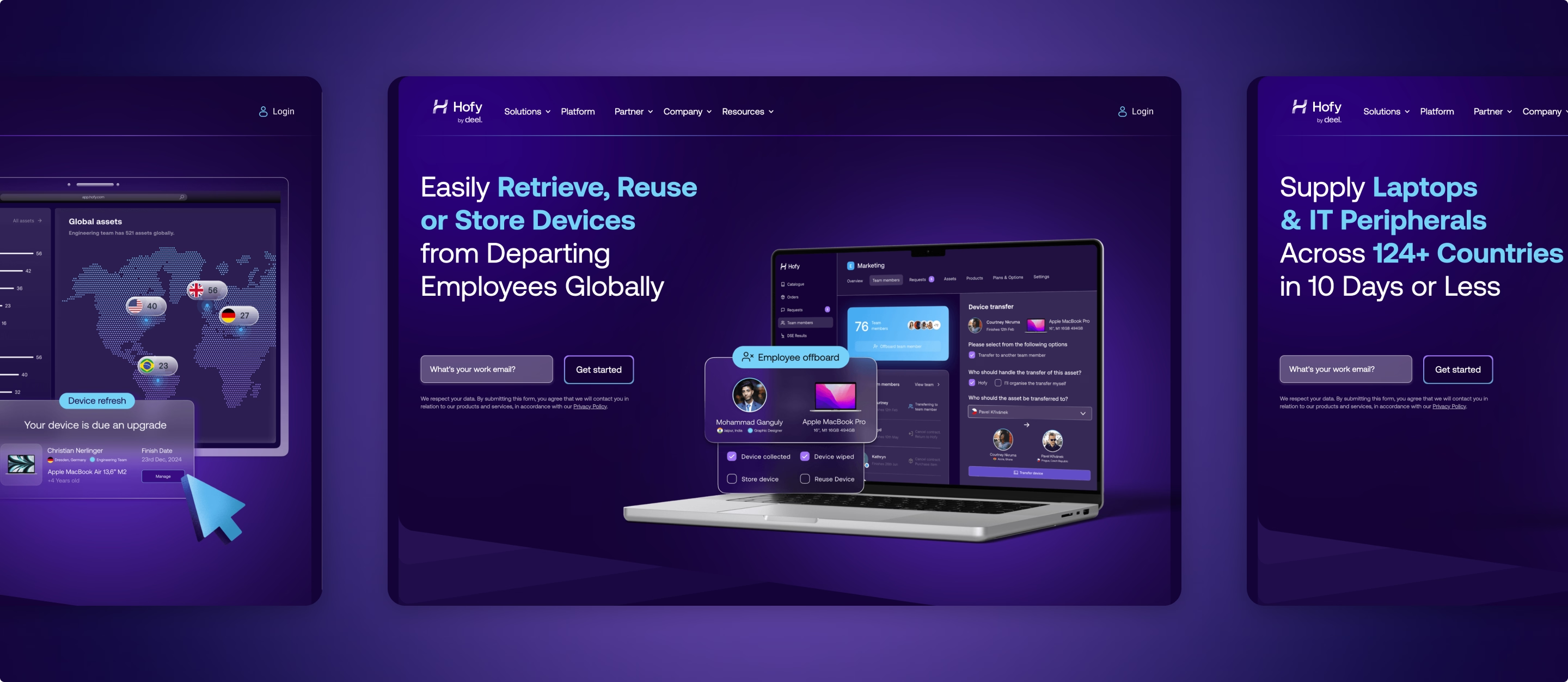
At Webnomads, we have built Webflow sites for companies across fintech (Ramp Network, Drift), HR tech (Hofy by Deel), and B2B SaaS (Hello Bonsai). In each case, the team came in frustrated with slow iteration cycles and left with a site they could actually operate themselves. The most common follow-up question at that stage is budget. What a Webflow migration costs depends on site size and CMS complexity, but there's a reliable range.

The most common Webflow problems we see are not platform failures. They are setup decisions made early that compound over time. Getting the CMS structure right, building a sensible component library, and setting clear editor permissions for the marketing team make the difference between a site that empowers and one that quietly frustrates everyone.
Is Webflow a good platform for enterprise B2B websites?
Webflow is a strong platform for enterprise B2B marketing websites, and the Enterprise plan specifically was built for the requirements that stop IT and security teams from approving a new CMS. It includes SSO with SAML 2.0, custom security policies, advanced user roles and editor permissions, SLA-backed uptime, and a dedicated Webflow account and support team.
For marketing teams at companies with 200+ employees, that matters because the platform question and the governance question are usually asked at the same time. Webflow's Enterprise plan answers both.
The honest caveat: the plan's flexibility is only as useful as the setup behind it. CMS architecture, component structure, and editor permissions need to be built properly from the start. We've set up Webflow Enterprise for B2B clients across fintech and SaaS, and the teams that get the most out of it are the ones who invested in the foundation, not just the build.
How Webflow handles page speed
Webflow serves pages as pre-built static files from Fastly's global CDN. No server-side rendering, no database query on each request, no PHP processing. Pages load from whichever edge location is closest to the visitor.
The platform also handles image compression automatically, generates WebP versions of uploaded images, and outputs clean, minimal CSS. These are defaults, not settings you have to configure.
For teams that want to go further, there are 63 specific performance fixes you can apply to a Webflow site, from font subsetting and lazy loading to managing render-blocking scripts. But for most B2B sites, the defaults alone will outperform a well-maintained WordPress installation.
Is Webflow good for SEO?
Yes, and this tends to surprise people who have only heard of it as a design tool.
Webflow generates semantic HTML5 by default. Every heading, paragraph, image alt text, and link is clean and correctly structured without any extra configuration. You get native meta title and description fields on every page and CMS item, canonical URL controls, Open Graph fields, automatic XML sitemap generation, robots.txt access, and schema markup support via custom code embeds.
For B2B teams investing in content marketing, the CMS structure also makes it straightforward to implement FAQ schema, Article schema, and Organisation schema. Those are the signals that matter most for AI-powered search visibility, which is where B2B discovery is heading. One concern that comes up in almost every migration conversation is whether rankings survive the move. Migrating to Webflow without losing SEO is entirely achievable, but there are two technical steps that can't be skipped.
Want to know if Webflow is the right move for your team?
Webflow is not right for every company. But for B2B marketing teams dealing with slow iteration, bloated WordPress installs, and websites that require a developer for every small change, it is one of the more meaningful platform decisions you can make.
At Webnomads, we build Webflow sites for B2B brands that need to move quickly without sacrificing performance or design quality. If you want a straight conversation about whether it fits your setup, we are happy to have it.