
Key takeaways
1. The build is rarely what delays a Webflow migration - content readiness and review cycles are the two things that most consistently push launch dates back.
2. QA is the phase most teams underestimate - for a 150-page site it takes 3 to 5 days done properly, and it's where post-launch problems get caught before they become post-launch problems.
3. Having content ready before the build starts, assigning one decision-maker, and freezing scope at kickoff will do more for your launch date than anything on the agency side.
A Webflow migration for a B2B SaaS site typically takes 4 to 16 weeks from signed brief to launch. Smaller sites under 30 pages with minimal integrations can be done in 2 to 4 weeks. Larger sites with complex CMS structures, multiple integrations, and significant redirect debt often take 8 to 12 weeks. The biggest variable is not the build - it's how quickly decisions get made on the client side.
How long does a Webflow migration take?
If you're still working out budget alongside timeline, How much does a Webflow migration cost? covers the full cost breakdown by site size. This post focuses on time - what the phases actually look like, what tends to slow things down, and what you can do to keep a launch date on track.
The ranges below come from migrations we've run. A small site with clean scope and fast feedback can be done in under a month. A large enterprise migration with custom integrations, a big redirect map, and multiple stakeholder review rounds will take closer to three or four months. The table in the next section shows where most projects land.
How long does a Webflow migration take by site size?
These timelines reflect migrations we've run. They assume a reasonably clean source site, agreed scope, and feedback delivered within 2 to 3 business days per review round. Slower feedback or content that arrives mid-build typically adds 2 to 4 weeks.
These timelines cover migration only. A redesign running alongside adds 4 to 10 weeks depending on scope. Not sure which one you need? The How much does a Webflow migration cost? post has a side-by-side comparison.
What does a migration timeline actually look like week by week?
Here's what a mid-size migration - 50 to 150 pages, one or two integrations, a standard blog CMS - actually looks like in practice. Momentum, a software agency rebranding for the MedTech market, is a good reference point: WordPress to Webflow, 95 blog posts migrated, full domain migration from applover.pl to applover.com, built to a fixed deadline tied to a live Movember campaign. That project ran 14 weeks because the rebrand ran alongside the migration. A straight migration of similar scope, without redesign, typically runs 6 to 8. Phases overlap in a few places, which is intentional: content migration starts while templates are still being refined, which keeps the overall timeline tighter.
QA is the phase most teams underestimate. For a 150-page site, a proper QA pass takes 3 to 5 days - cross-browser, mobile, redirect verification, integration testing, Lighthouse check. It's the step where you catch problems before they become post-launch incidents.
A few things worth noting about how the timeline works:
- The client review phase assumes one round of feedback with a 2 to 3 day turnaround. A second round adds a week. Three rounds adds two to three weeks. It's the most variable part of the timeline and the part most within your control.
- Launch week is not a single day. DNS transfers propagate over 24 to 72 hours. SSL provisioning is usually fast, but some legacy hosting configurations add time. The 48-hour post-launch monitoring window is when small issues tend to surface - a form that didn't submit, an analytics tag that missed its trigger, a redirect returning a 302 instead of a 301.
- Content migration in weeks 3 to 5 overlaps with the build phase deliberately. Templates get built and populated at the same time, which is more efficient than waiting for one to finish before starting the other.
What slows a Webflow migration down?
The build phase is rarely what causes a migration to run long. In our experience, delays come from the same places on almost every project.
Content that isn't ready
This is the most common cause of timeline overruns, and the easiest one to prevent. Content migration can't start until content exists in a usable form: final copy, approved images sized correctly, video files hosted somewhere we can reference, PDFs uploaded and linked.
What we usually find is that content lives across several Dropbox folders, a couple of Google Drives, a Figma file from last year, and someone's local machine. Getting it all into one place and signed off before the build starts is the single most effective thing you can do for your launch date.
Review cycles running long
We've had projects where the Webflow build was done in week 4 and the site launched in week 9. The delay was entirely in the review process - too many stakeholders, no clear decision-maker, feedback that arrived in batches over two weeks instead of in one round.
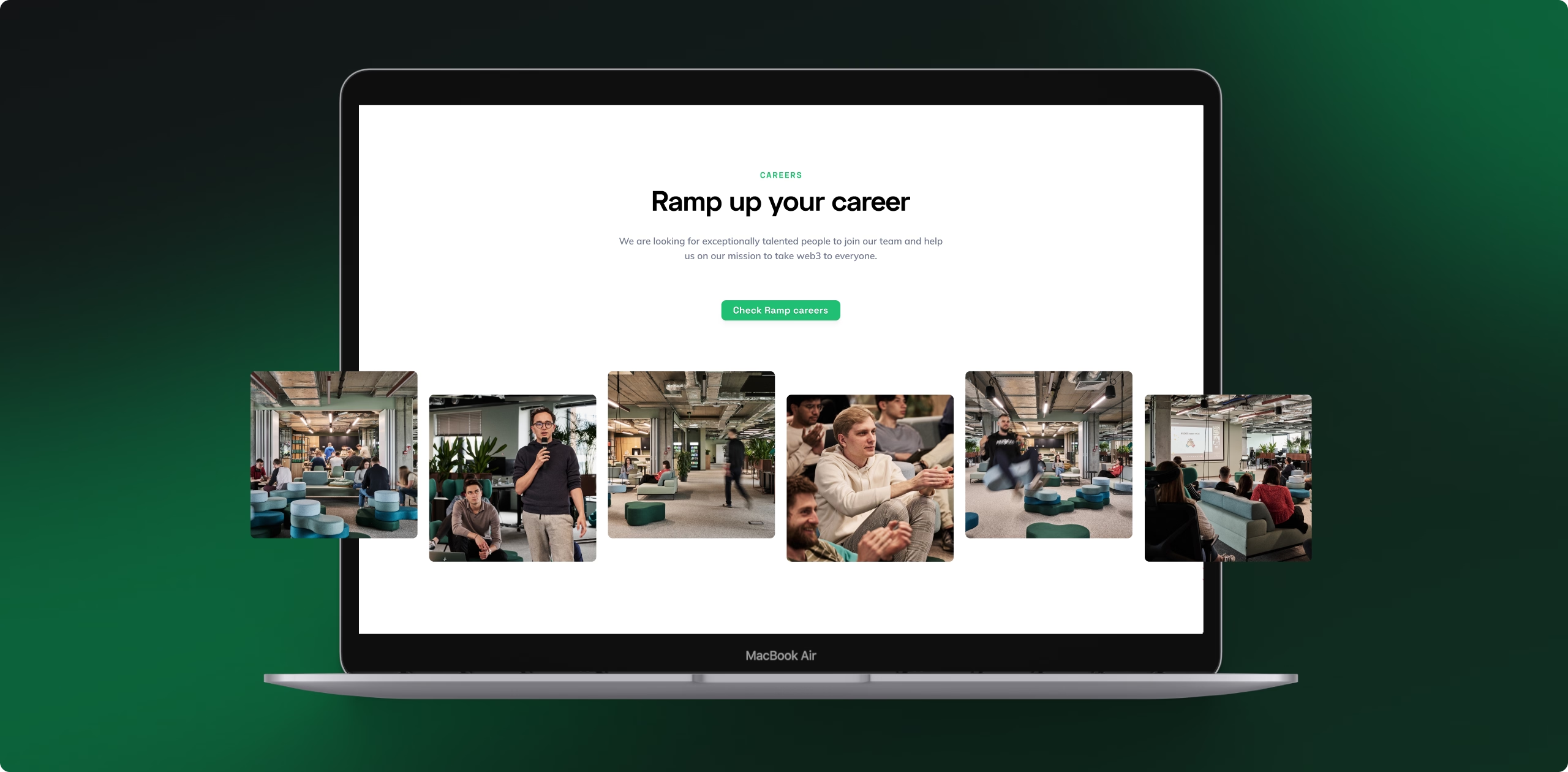
The cleaner the review structure, the more predictable the timeline. One named decision-maker, an agreed turnaround time, and clear criteria for what counts as approval makes a big difference. Ramp Network is a good example of this done right. Their site was fully hardcoded when we started -every marketing change needed a developer. The migration to Webflow took 4 weeks, including moving 80+ blog posts from HubSpot with no traffic loss and cutting site bandwidth by 85%.
Scope changes mid-build
"While you're in there, could you also redesign the pricing page?" That's a sentence that adds a week. Design changes mid-build require reworking templates that are already built, re-running QA on the affected pages, and sometimes reconsidering the CMS structure. They're not unreasonable to ask for - they're just a new piece of work, and they're much smoother to handle as a post-launch project than mid-migration.
Integration surprises
HubSpot forms connected to three workflows. Custom field mappings to Salesforce. An Intercom widget with specific display logic. A cookie consent manager wired to GTM in a non-standard way. These are easy to miss in a brief and genuinely expensive to discover mid-build.
We ask every client to pull their GTM container and their CRM connection list before scoping - not because we're being thorough for fun, but because finding an undocumented integration in week one is a planning input. Finding it in week five is a delay.
DNS and hosting complications
DNS transfers are usually fine. Occasionally they're not. Legacy hosting setups with complex configurations, MX records that need preserving exactly, email routing on the same domain, custom SSL certificates - any of these can extend the launch window by a day or two. We build a DNS review into every pre-launch checklist because surprises here are avoidable if you check early.
What can you do to keep the migration on schedule?
A lot of what determines whether a migration launches on time sits with the client, not the agency. That's worth knowing upfront - not as a caveat, but because it means there are concrete things you can do to protect your launch date.
- Assign one decision-maker. One person who can look at the staging site and say yes or no within 2 business days. If they need to consult others internally, that's fine - the agency just needs one named contact who owns the final call.
- Have all content ready before the build starts. Copy, images, PDFs, video files, team bios, case study content. Everything in one shared folder before kickoff. "We'll get you that during the build" is the most common thing that adds time.
- Agree on a review turnaround upfront. We include a 2 business day review turnaround in every project brief. It sounds small, but across three or four review cycles it's the difference between launching on time and launching two weeks late.
- Freeze scope at kickoff. New requirements that come up mid-build get logged for a post-launch phase rather than absorbed into the current project. It's not about being inflexible - it's about protecting the launch date you both agreed to.
- Don't compress QA. If there's pressure to move the launch date forward, look at the build or content phases. QA is where problems get caught before they go live, and the time it takes to fix a broken form or missing redirect after launch is almost always longer than the time it would have taken to find it in QA.
How long does SEO recovery take after a Webflow migration?
The short version: expect 6 to 12 weeks to return to pre-migration organic traffic baseline, assuming the migration was handled cleanly. A dip of 10 to 15% in the first four weeks is normal while Google recrawls and reindexes the new site. It's not a warning sign - it's just the process.
How fast the site recovers depends on three things: whether the redirect map was complete at launch, whether any crawl errors were introduced during the transition, and whether Core Web Vitals held up or improved after the move. Sites that come through a migration with all three in good shape often end up ahead of their pre-migration baseline within 3 to 4 months, because Webflow's CDN performance and clean HTML output compound over time.
For the full SEO side of a migration - redirect process, CMS structure decisions, pre- and post-launch checklist - see How to migrate to Webflow without losing SEO. If you want to go deeper on Webflow performance after launch, How to Speed Up a Webflow Site: 63 Practical Fixes covers the optimisations that affect Core Web Vitals most.
Working to a specific deadline?
Tell us your launch window and we'll tell you whether it's achievable. We scope Webflow migrations for B2B SaaS teams from 40-page sites to 300-page platforms.