
Key takeaways
- FAQ sections carry the single highest AEO return of any element on this list. Pages with a well-built FAQ are roughly 40% more likely to get cited in AI search results.
- A clean H1 to H2 to H3 hierarchy correlates with a 2.8x lift in citation rates. If you fix one thing on this list first, fix your heading structure.
- Freshness is a ranking factor now, not just good practice. Pages refreshed within the last 90 days are about three times more likely to be cited than pages that haven't been touched in over a year.
- None of these 14 elements work for SEO or AEO exclusively. Every one does both jobs at once, which is the whole point.
AEO is changing how we think about on-page elements. A lot of things that used to be "nice for UX" or "good for SEO" now carry real weight for whether AI engines cite you. That shift matters most for large content types: blog posts, glossaries, reports, anything long enough to have real structure. We identified these 14 elements across our own projects, and we're building them into every AEO-conscious site we ship, split across three jobs: structure, answer formatting, and trust.
Has AEO changed which on-page elements matter?
With the rise of AI search, some on-page elements matter a lot more than they used to. FAQs are the clearest example: in traditional SEO, an FAQ section was a nice-to-have: useful for "People Also Ask" but rarely a priority. With AEO, it's one of the easiest, fastest wins available on any page.
The elements themselves mostly haven't changed. But what changed is which ones carry weight, and how much. The difference between SEO, AEO, and GEO comes down to which of these elements an engine relies on most, and FAQs are a good example of one that moved from "nice to have" to "do this first."
What structural elements does a Webflow page need for SEO and AEO?
Structure is the layer with the clearest data behind it - pages with clean H1 to H2 to H3 hierarchy show a 2.8x lift in citation rates. It's also one of the layers most marketing teams skip, probably because half of these elements need a developer or designer to actually implement. But clean structure is the foundation that tells an AI engine what your page is about and why it's worth citing.
Breadcrumbs
Breadcrumbs are the small trail of links near the top of a page that show where it sits in your site: Home > Resources > this page. Users use them to navigate back. Google treats them as a hierarchy signal that can show up in search results as sitelinks. AI systems use them to figure out whether your "What is Webflow" page is a standalone definition or part of a larger guide.
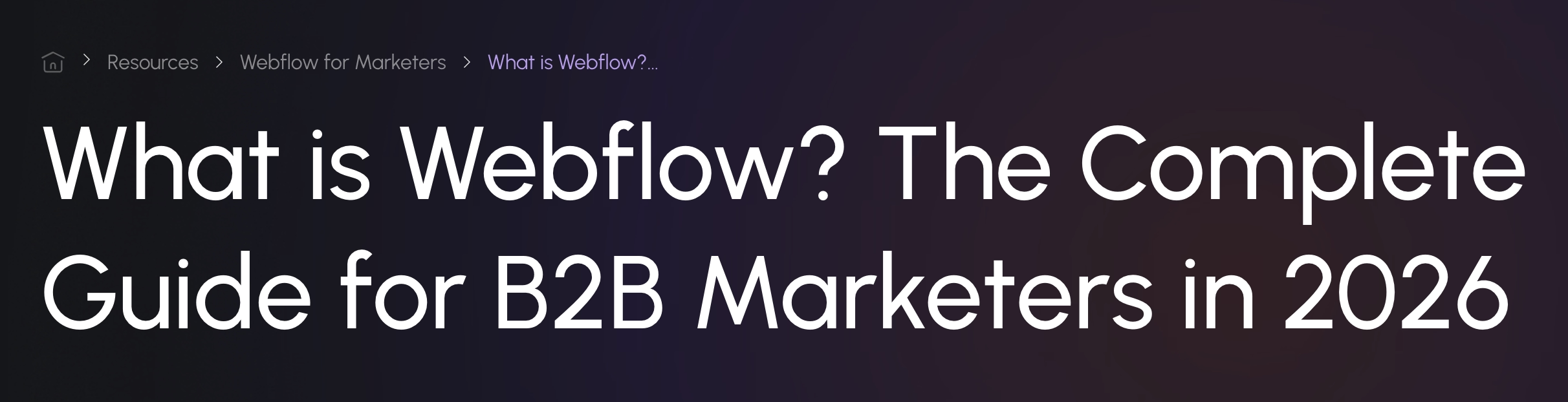
Table of contents
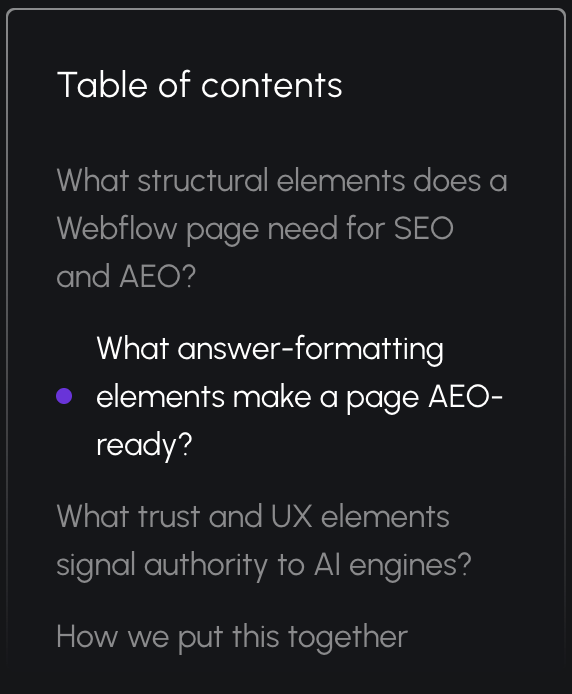
A table of contents matters for both users and AI systems, but for different reasons. Readers can jump straight to the part of the article they need. People are impatient. They want the answer fast, not a scroll through everything that comes before it.
Bots care too, just for a different reason: crawl cost. If a page is slow or unclear, it's less likely to get scanned properly. A table of contents at the top gives a crawler a clear preview of what's coming, before it has to read through the rest of the page to find out.
Clear heading hierarchy
A clean H1 to H2 to H3 structure, where headings are phrased as the questions your audience is actually asking, correlates with a 2.8x lift in AI citation rates compared to pages with inconsistent or vague headings.
The pattern that works: one H1 per page. H2s phrased as questions ("What does X mean for Y?" rather than "X Overview"). Each section opens with its answer in the first sentence, before any context or caveats. AI systems extract the opening sentence of a section when building an answer. It's usually the fastest win available on a page.
Related topics and internal linking
For AI systems specifically, internal links build what's called topical authority:a signal that you're a comprehensive source on a subject, not a single page that happened to mention it once. A page about Webflow AEO that links to your technical AEO guide and your guide to measuring AEO tells both Google and an AI system that you've covered this topic from multiple angles.
Aim for 3 to 5 internal links per post, with anchor text that describes the destination, not "click here" or "learn more."

What answer-formatting elements make a page AEO-ready?
Answer formatting is what makes the content quotable: a set of on-page elements that help bots extract the most important parts of your content.
Key takeaways block
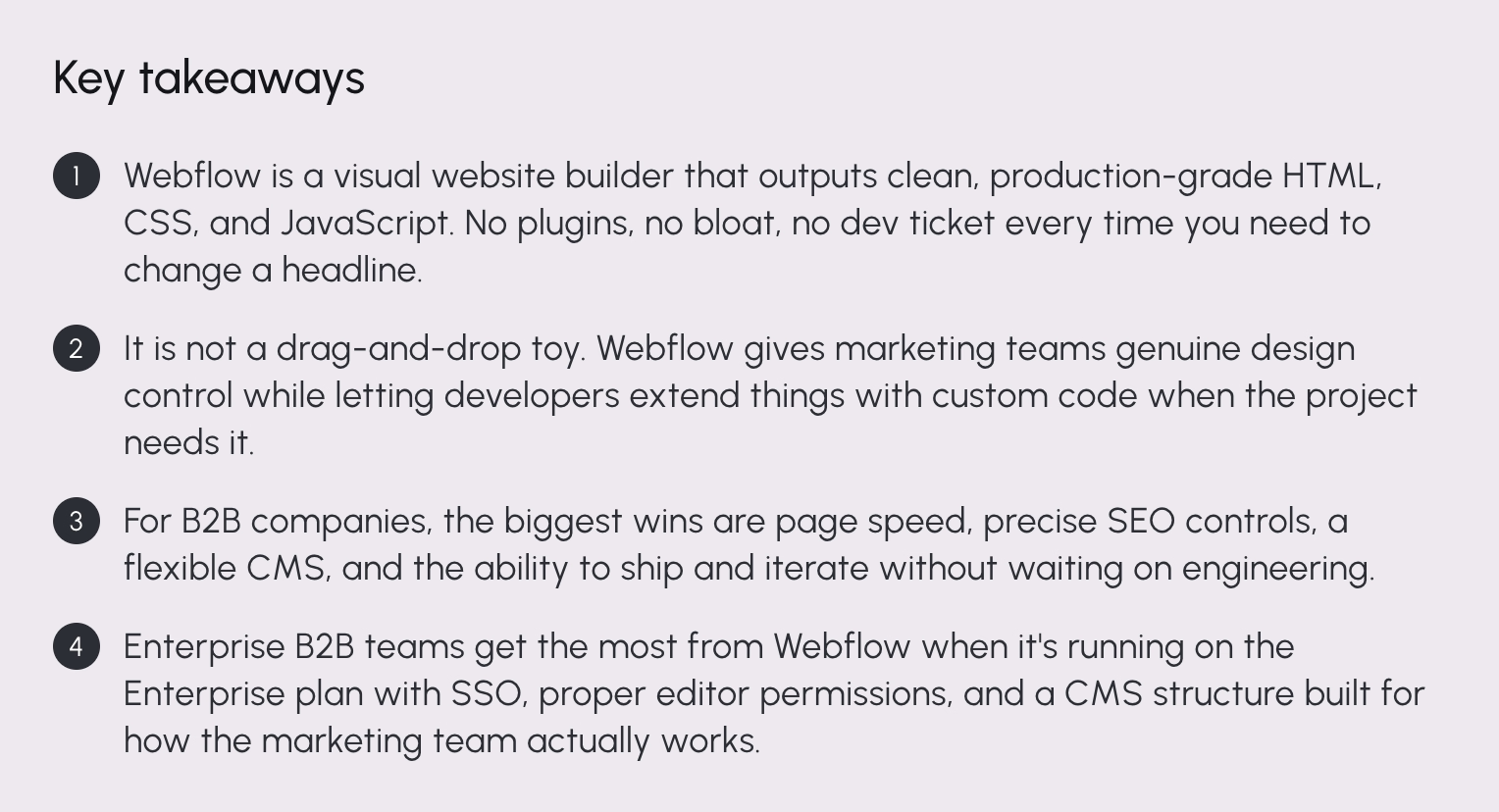
The key takeaways block usually sits right after the opening paragraph. It's 3 to 4 bullet points that state the most important conclusions of the post as complete sentences, not teasers.
The test: could each bullet stand alone as a cited answer, with no other context from the post? If a bullet only makes sense after reading three paragraphs first, it's not a takeaway.
FAQ section
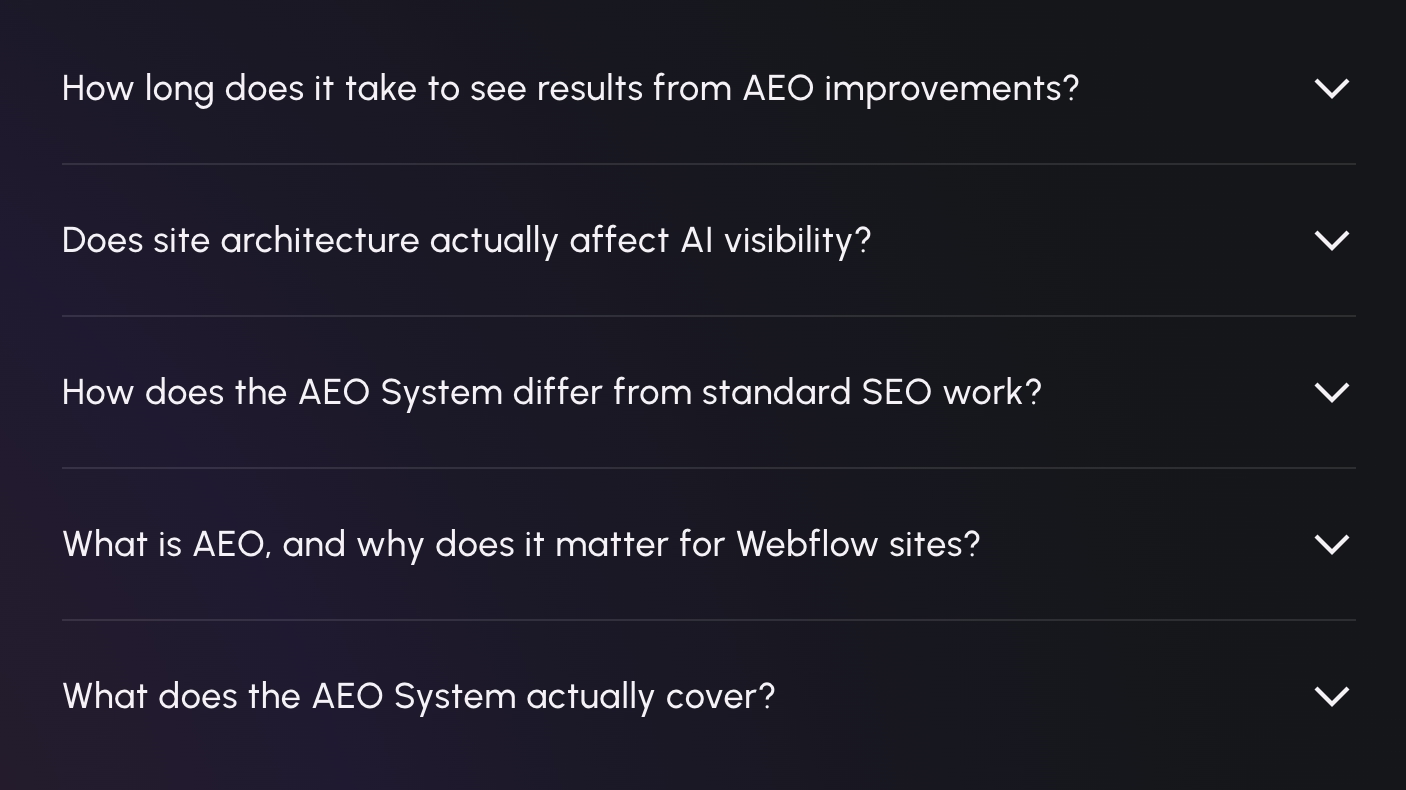
FAQ sections with FAQPage schema show roughly a 40% higher likelihood of being cited in AI search than pages without one. They're also the easiest element on this list to get wrong by overcomplicating. If you build one thing from this list and nothing else, build this.
The pattern: 3 to 5 questions, sourced from things real people actually ask. You can use sales call objections, Reddit threads, Google's "People Also Ask" box, support tickets, search console queries. Each answer should be 2 to 4 sentences and complete on its own. Each Q&A is a standalone unit that an AI system can lift and cite independently of the rest of the page.
One practical note for Webflow builds: if your FAQ uses an accordion or expand/collapse interaction, make sure the answer text is actually in the page's HTML, not just rendered on click. Some accordion setups hide answer content from the DOM until a user interacts with it, which means a crawler never sees it. Check this by viewing page source, not just the live page.
Definition blocks and summary sections
Any time your page introduces a term your audience might not know, a short, clearly marked definition earns its place. A bolded term followed by two or three plain-language sentences is exactly the kind of self-contained block AI systems pull when someone asks "what is X."
Summary sections work the same way at a larger scale. A short paragraph that states the page's core point in plain language, placed where a reader (or an AI system) would expect to find it, gives both audiences a fast, accurate answer.

Comparison tables
When a page is answering an "X vs Y" question, a table beats a paragraph almost every time. Lists and tables appear in close to 80% of ChatGPT citations, compared to under 30% of Google's top organic results. That gap is wide enough that if your content is naturally comparative and you're presenting it as prose, you're leaving an easy win on the table.
Here's the same logic applied to this post's own subject:
What trust and UX elements signal authority to AI engines?
E-E-A-T (experience, expertise, authoritativeness, trustworthiness) is how AI systems decide whose content is worth repeating, and the signals that build it are layout decisions as much as writing choices. This group of elements is about whether an AI system should actually trust what it found.
Author details
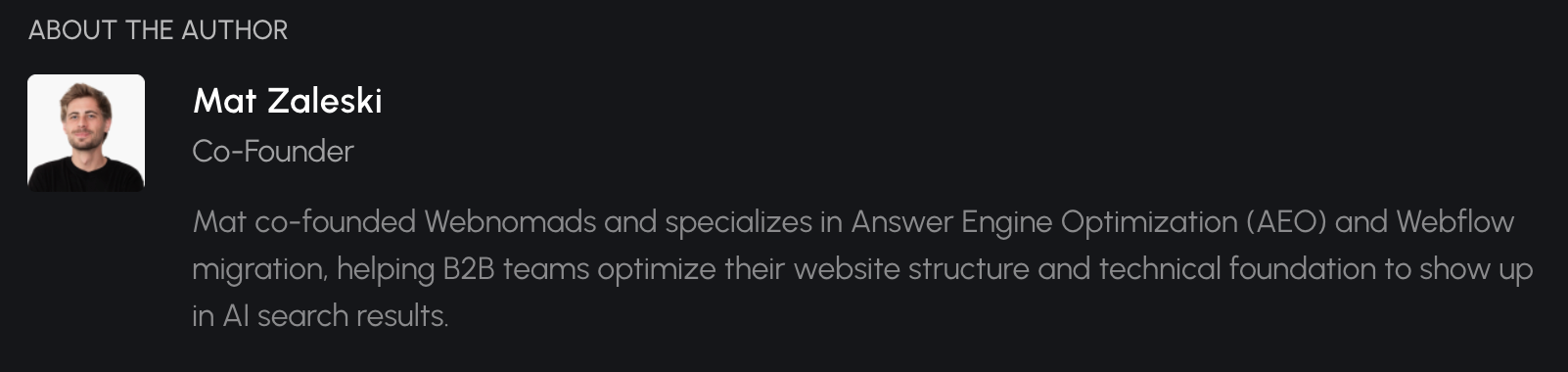
A simple "by [name]" isn't enough anymore. In the AI search era, a proper author block includes a name, a photo, and a short bio with a link to a fuller bio page. The bio should highlight expertise and achievements in the relevant topic. It's a signal that the content came from a real practitioner with domain knowledge, and that it's worth trusting.
Expert quotes and firsthand experience
Phrases like "we've found," "in our experience," and "across the projects we've worked on" aren't just style. Research on AEO authority consistently shows that AI systems weight firsthand-experience signals differently than generic explanations, because they're harder to fake and easier to verify against a body of real work.
This is also where the biggest gap shows up between AI-written content and content written by people who actually build the thing. Stats, real-life examples, how-tos, case studies, and examples from real work: that's what actually matters now.
Freshness indicators
About 70% of pages cited by ChatGPT were updated within the past year, and pages refreshed within the last 90 days are roughly three times more likely to be cited than pages that haven't been touched in over a year.
Webflow's own AEO push is a useful real-world example here. Their team added FAQ schema across several core feature pages and built a faster content refresh process. The results: refreshes that used to take weeks now take a fraction of the time, a 42% lift in traffic to updated pages, and over 330 new AI citations.
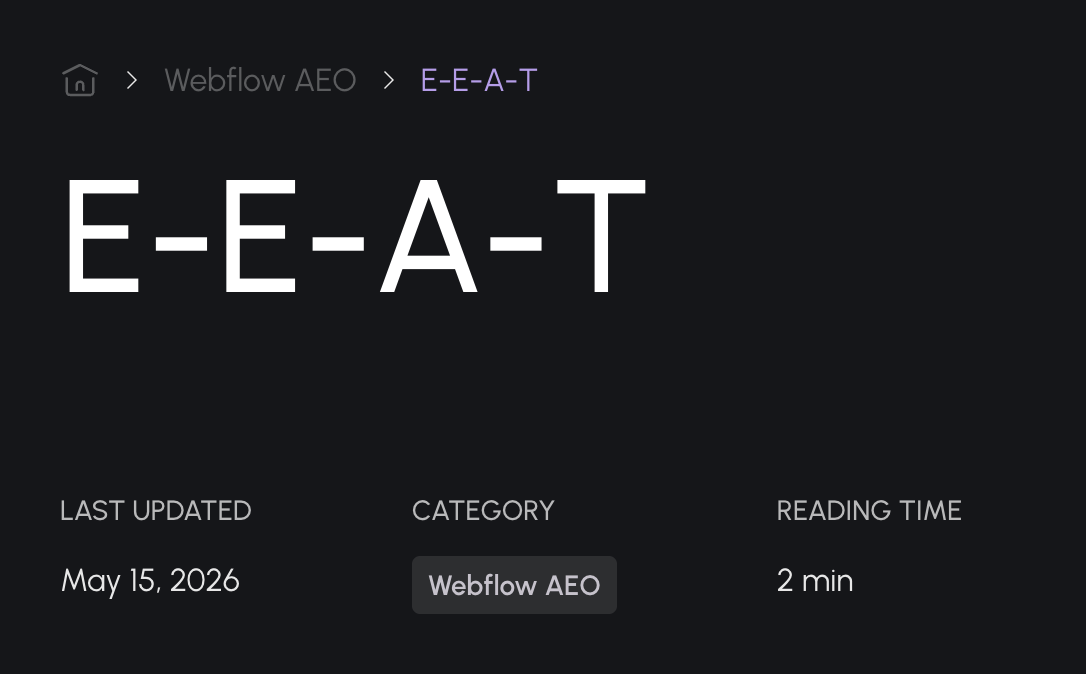
A visible "last updated" date is an important signal of how fresh and relevant your content is.
Reading time
A small one, but it matters more for trust than people expect. An estimated reading time tells a visitor what they're committing to before they start, which keeps people on the page. For AI systems, it's a secondary signal of content depth: a 12-minute read is more likely to contain a detailed, specific answer worth citing than a 90-second one.
Quote and callout blocks
Visually distinct callout boxes, used for pro tips, warnings, or important caveats, flag a passage as something worth pulling out on its own. That's true for a human skimming the page and true for an AI system scanning for the most citable content.
How we put this together
All 14 of these elements are a simple, effective way to improve your AI visibility. If you already have an existing site with authority, history, and volume, you don't need to rebuild it from scratch. Implementing these elements is usually a few hours of dev work, plus a bit more time from whoever owns content (FAQs especially), though part of that can be automated too. For the effort involved, the lift in AI visibility is significant.
For new Webflow builds, we add these elements to blogs and glossaries by default. We have templates ready to adjust to your branding and specific needs. It's better to build this in properly from the start than to bolt it on later.
On-page elements are one part of our AEO System: a full Webflow system for making your site AEO-ready. It covers audits, technical structure improvements, on-page elements like these, and building out the kinds of pages that perform well in AI search.