.png)


Key takeaways
- The strongest predictor of a good outcome is how an agency scopes work and how often you hear from them once the build starts.
- Webflow specialists ship faster than generalist web development agencies because there's no platform ramp-up. A focused landing page often goes live in days, not sprints.
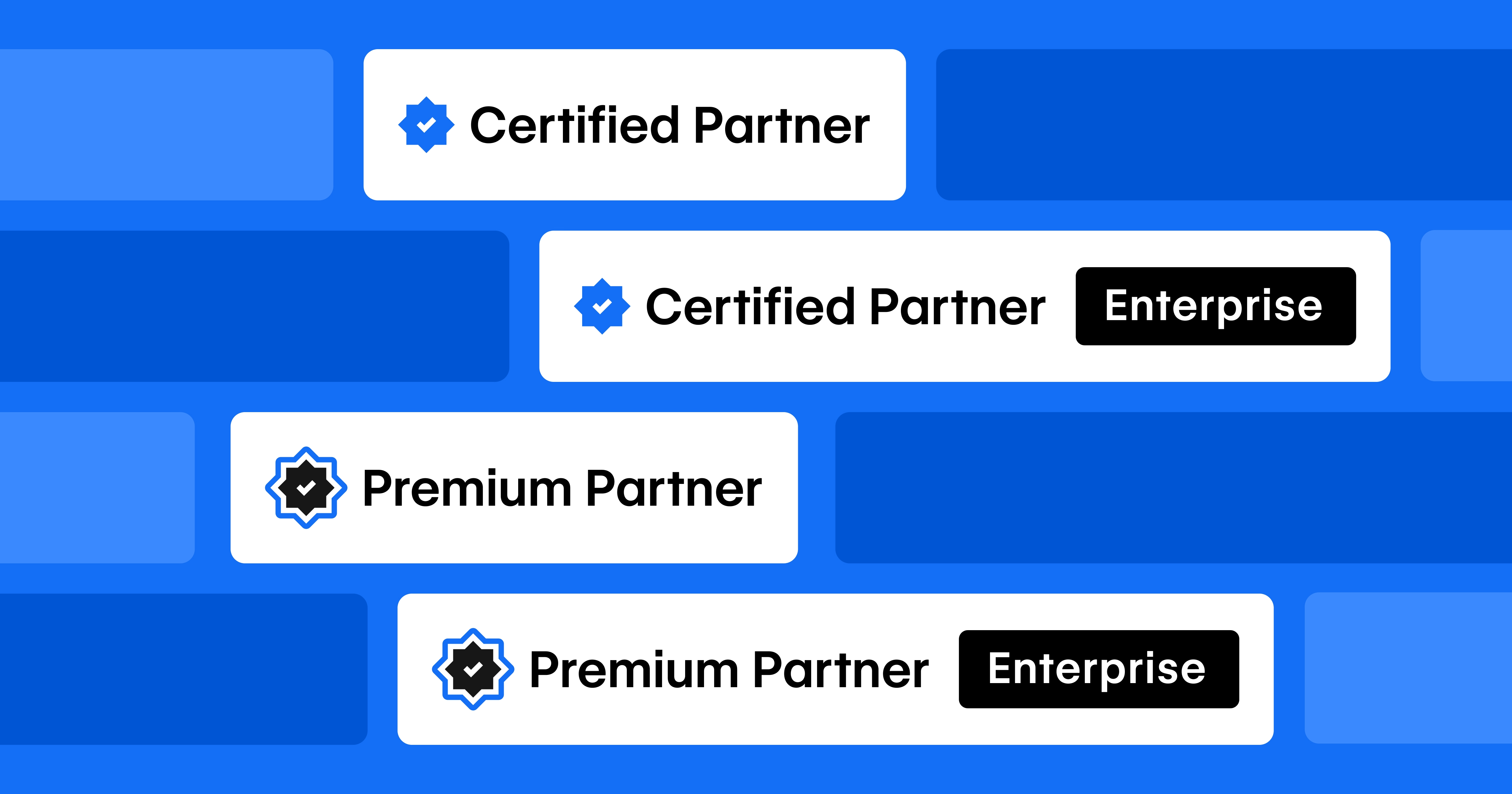
- Webflow Enterprise Partner status signals delivery that Webflow itself has vetted: SSO, complex CMS architecture, and integrations. That matters most once your site passes roughly 50 pages.
Choosing a Webflow development agency comes down to one question: can they ship good work fast, and will they tell you the truth while they do it? Portfolios and price tags matter less than how an agency scopes a project, communicates during the build, and hands off a site your marketing team can actually edit. Below is how to spot that before any contract gets signed.
What does a Webflow development agency actually do?
A Webflow development agency designs, builds, and maintains websites on Webflow, then hands you a site your team can update. The good ones cover the full arc: design, Webflow development, migrations from legacy platforms, integrations with your marketing stack, SEO and AEO, and ongoing support after launch.
The work isn't just building pages, but translating your needs into a site structure that holds up as you grow, so you're not rebuilding the homepage every time positioning shifts.
How is a Webflow agency different from a generalist web development agency?
A generalist web development agency works across WordPress, custom code, Shopify, and whatever else a client asks for. That breadth costs you time. Every project starts with a platform ramp-up, and the team rarely knows Webflow's CMS limits, interactions, or hosting quirks deeply enough to avoid the traps.
A Webflow-only team skips that ramp-up. We've already hit the edge cases. In our experience, that's the difference between a four-day landing page and a four-week one, and it shows up most clearly on complex builds where a generalist guesses and a specialist already knows.
How do you tell a good Webflow agency from a bad one?
The best signal isn't the prettiest project in the portfolio. It's how an agency handles the unglamorous parts: scoping, communication, and handoff. Here's what to weigh, in order of how much it predicts the outcome.
- Track record on sites like yours. Look for B2B work at your size, not consumer or e-commerce. Ask to see projects they've shipped and what changed for the client after launch.
- Scoping discipline. A good agency narrows the brief and tells you what's missing.
- Communication cadence. You should know what's happening without chasing anyone. Ask how often you'll hear from them and who your point of contact is.
- Handoff and editability. Can your team edit the site after launch? Get a specific answer - what exactly will you be able to edit?
- Technical depth. For anything involving SSO, gated content, large CMS collections, or HubSpot and Salesforce integrations, ask about real examples. Webflow Enterprise Partner status is a useful filter here because Webflow vets it directly.
- References you can actually call. Not logos on a page. A name and a number from a VP or Director who hired them.
What should you ask a Webflow agency before you hire them?
Ask the questions that separate people who've done this from people who'll learn on your budget. Most pitches sound similar until you push on specifics.
- How long will this take, and what could push the timeline? (Vague answers are a red flag.)
- After launch, what can my team edit ourselves, and what still needs you?
- Who's actually doing the work, and who do I talk to when something breaks?
- Show me a build close to mine. What was hard about it, and how did you handle it?
- What happens if we need to test a new hero or swap a CTA next month?
- How do you handle a Webflow migration if we're moving off WordPress or a legacy CMS?
How much does a Webflow development agency cost?
A Webflow development agency in the US typically runs from a few thousand dollars for a single landing page to tens of thousands for a full marketing site or migration. The range is wide because cost tracks scope, CMS complexity, and how much design work starts from scratch. Here's what we usually see. A 200-page enterprise migration costs more than a 20-page one for obvious reasons. For a closer look at what drives the number on a move, see what a Webflow migration costs.

Should you hire an agency, a freelancer, or build in-house?
It depends on volume, complexity, and how much risk you can carry. If you need one page once a quarter, a freelancer is fine. If your site is a pipeline channel and downtime costs you leads, the math changes.
Most marketing teams we talk to land on an agency after the freelancer route stops scaling: the good one leaves, or two simple requests turn into a backlog no single person can clear. A full team gives you coverage, QA, and someone to call when a form breaks the day before a launch
What are the red flags when choosing a Webflow agency?
The clearest red flag is an agency that can't show you a live site being edited. If editing requires a developer every time, you're buying a future bottleneck. A few more worth watching for:
- A six-week discovery phase and a 40-slide deck before anyone touches the site.
- Timelines stated in "it depends" with no commitment you can plan a campaign around.
- A pitch built on "award-winning" and "best-in-class" instead of specific work and specific results.
- A generalist agency that "also does Webflow." Webflow as a side skill usually means you're paying for their learning curve.
- No clear answer on who owns the project or who you contact mid-build.
When you spot two or more of these, keep looking. The cost of the wrong agency isn't just the fee. It's the months you lose and the common Webflow problems you inherit and have to pay someone else to fix.
Need a Webflow team you don't have to manage? Talk to our team about your site. We'll tell you honestly whether we're the right fit, and we also handle ongoing Webflow support and maintenance once your site is live.