
Key takeaways
- Webflow support is email-based for most users - response time is 1-2 business days.
- There is no live chat for standard or Core plans. Enterprise customers get priority support and a dedicated contact.
- For most build and CMS questions, the Webflow Forum and Webflow University are faster than a support ticket.
- Ongoing Webflow support retainers are the most reliable option for marketing teams that need consistent help.
How to get help with Webflow
Webflow does not offer live chat or a phone number for most users. Support is handled through email tickets, self-serve documentation, and community resources - which is fine for most issues, but frustrating when something breaks urgently. This guide covers every real Webflow support option, ranked by speed, and explains when it makes sense to skip the ticket queue entirely.
Webflow support for most paid plans means submitting an email ticket and waiting 1–2 business days. There is no live chat, no phone number, and no guaranteed same-day response unless you are on an Enterprise plan. For urgent issues, faster routes exist - and they usually do not involve Webflow directly.
Every Webflow support option at a glance
Here is a complete overview of every channel available - official, community, and expert - with honest assessments of speed and best use case.
| Channel | Available to | Response time | Best for |
|---|---|---|---|
| Webflow Help Center | Everyone | Instant (self-serve) | Documentation, how-tos, known issues |
| Email support ticket | Paid plans | 1–2 business days | Platform bugs, billing, account issues |
| Enterprise support | Enterprise plan | Priority (hours) | Large teams, SLA-level issues |
| Webflow Forum | Everyone | Hours to days (community) | Design, CMS, interaction questions |
| Webflow University | Everyone | Instant (self-serve) | Learning features, building skills |
| Webflow partner agency | Everyone | Same day (varies) | Development, ongoing maintenance, urgent fixes |
| Webflow Special Forces | Everyone | Same day (free) | Quick technical questions, blocked issues |
Webflow's official support channels
Webflow Help Center
The Webflow Help Center is the starting point for all official support. It contains documentation, troubleshooting guides, and tutorials covering most common platform questions. For known issues and standard how-tos, it is the fastest resource - no waiting required.
The Help Center is available to everyone regardless of plan. It also contains the form for submitting a support ticket if you cannot resolve the issue through documentation.
Email support ticket
For issues not covered by documentation - platform bugs, billing questions, account problems - submitting a support ticket is the official route. Access it through the Help Center or directly from your Webflow dashboard.
Realistic expectations for email support:
- Response time: 1-2 business days (Monday–Friday)
- No guaranteed same-day response on standard or Core plans
- Not suitable for urgent launch-day issues or time-sensitive bugs
What Webflow support cannot help with: Custom development questions, design decisions, CMS architecture advice, and third-party integration issues are outside the scope of Webflow's support team. These are best handled by a Webflow partner or developer.
Webflow Enterprise support
Enterprise plan customers receive a meaningfully different support experience:
- Priority response times - hours rather than days
- A dedicated support contact
- Phone support during business hours (weekdays, 6AM–6PM PT)
- SLA-level support agreements for large teams
Enterprise support is designed for large companies running complex, high-traffic sites. For most marketing teams and growing startups, the cost of an Enterprise plan makes it impractical - and faster alternatives exist for the support needs these teams actually have.
Self-serve resources: faster than a ticket for most questions
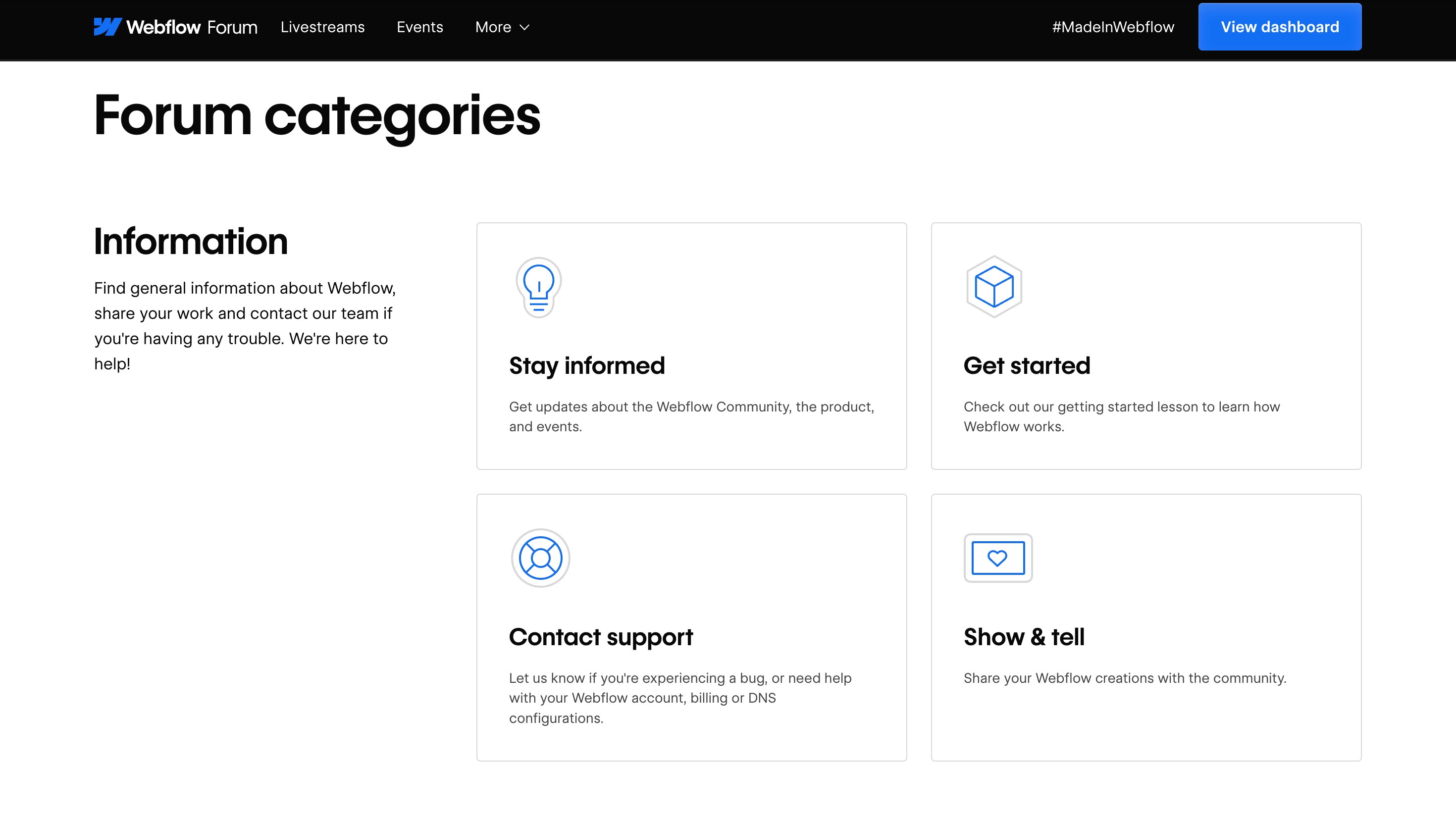
Webflow Forum
The Webflow Forum is an active community of Webflow designers, developers, and power users. Most common questions - layout issues, CMS problems, interaction bugs, custom code questions - have already been asked and answered. Searching the forum before opening a support ticket often resolves issues in minutes rather than days. Topics covered well by the forum:
- Flexbox and Grid layout questions
- CMS structure and collection design
- Interactions and animations
- Custom code and JavaScript
- E-commerce and membership setup
- Third-party integrations
Faster option: Search the forum before submitting a ticket. The Webflow Forum has been active since 2014 - the probability that your specific issue has been discussed before is very high.
Webflow University
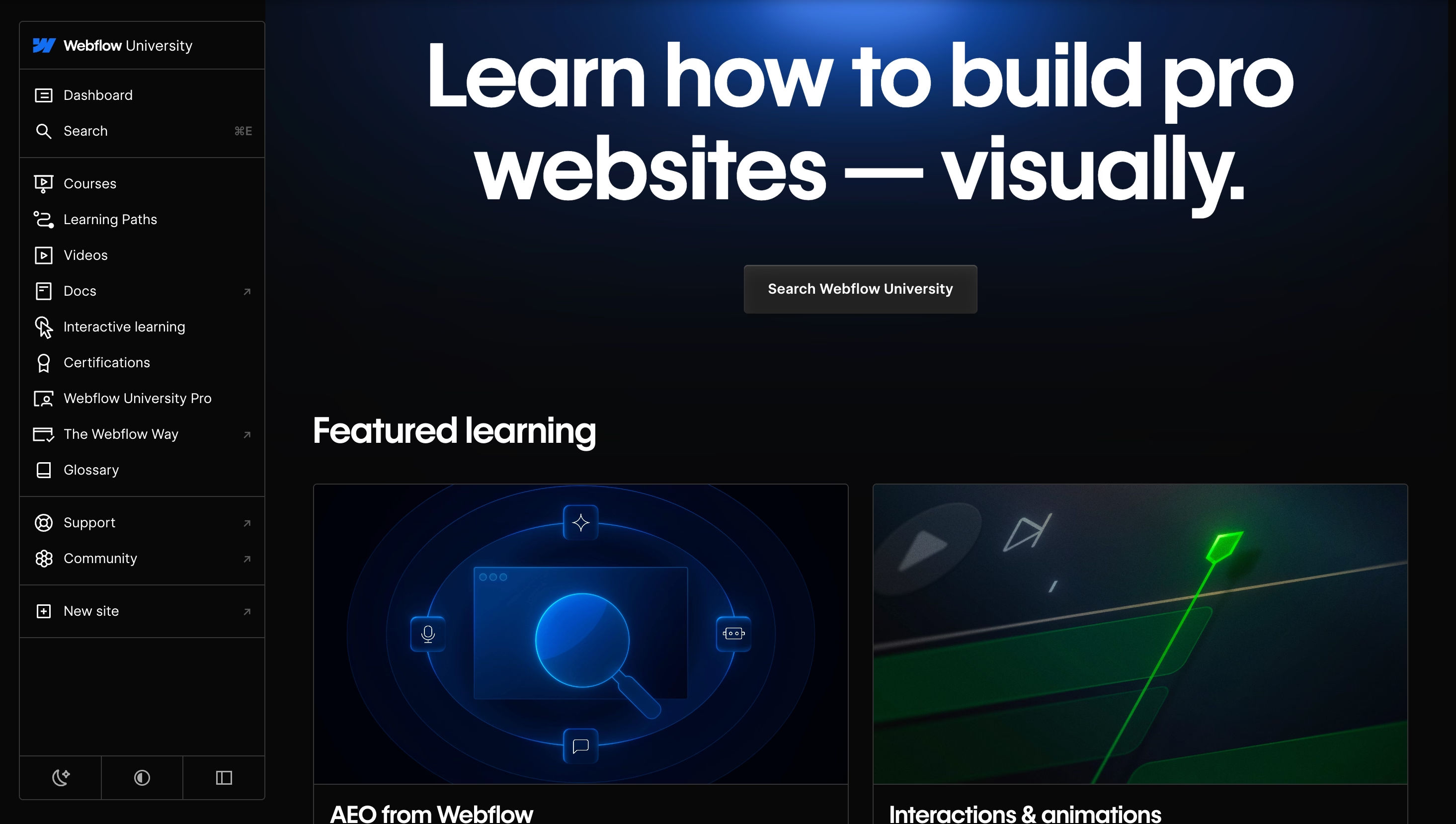
Webflow University is Webflow's official learning platform. It covers everything from beginner fundamentals to advanced CMS, animations, and e-commerce - with structured video courses and written guides. While it is not a support channel in the traditional sense, it contains enough depth to solve most 'how do I build this' questions without needing to contact anyone.
Webflow University is particularly useful for:
- Teams onboarding to Webflow for the first time
- Marketing managers who need to understand what is and is not possible
- Developers building their first Webflow project after working in other platforms
Faster routes than a support ticket
For most real-world Webflow problems - especially those affecting live sites or blocking active projects - the official support ticket route is too slow. Here are the alternatives that consistently get faster results.
| Situation | Fastest route | Why |
|---|---|---|
| Platform bug or outage | status.webflow.com + email ticket | Only Webflow can fix platform-level issues |
| Build or design question | Webflow Forum or YouTube | Community has seen most patterns before |
| CMS or interaction problem | Webflow Forum or Webflow expert | Faster than waiting for email support |
| Urgent fix before a launch | Webflow partner agency | Same-day turnaround, no ticket queue |
| Quick question blocking progress | Webflow Special Forces (free) | Live help from experienced developers |
| Ongoing marketing site maintenance | Webflow partner retainer | Proactive support, no per-ticket delays |
Webflow Special Forces - free expert help
Webnomads runs an unofficial Webflow support service called Webflow Special Forces. If you are stuck on a Webflow problem - a layout that will not behave, a CMS issue you cannot trace, an interaction that breaks on mobile - you can send a message, share a short screen recording of the issue, and get a direct response from an experienced Webflow developer.
This service is free and designed specifically for web designers, marketers, and in-house teams who hit a wall and need a fast answer without opening a formal support ticket or hiring a developer for a full project.
- Send a message describing the issue
- Share a Loom or screen recording if the problem is visual
- Get a direct response - not a documentation link

Webflow partner agencies for ongoing support
For marketing teams that need consistent, reliable Webflow support - not just one-off fixes - working with a Webflow Premium Partner agency on a retainer basis is the most effective model. This covers:
- Proactive site maintenance and monitoring
- Fast-turnaround fixes for bugs and broken functionality
- CMS updates and new feature implementation
- Performance optimization as the site grows
- Technical SEO and AEO improvements
The key advantage over per-ticket support is speed and context: a partner agency already knows your site's structure, CMS setup, and technical decisions. When something breaks, fixes happen in hours - not after a 2-day email exchange to re-establish context. Webnomads provides ongoing Webflow support retainers for marketing teams that need this kind of reliability.
Ongoing Webflow support: what marketing teams actually need
The most common support need for Webflow marketing sites is not a one-time platform bug fix - it is consistent access to a developer who knows the site and can make changes quickly. This is the gap that Webflow's official support does not fill.
Typical ongoing support needs for marketing teams:
- CMS updates and new collection templates
- Landing page builds for campaigns
- A/B test implementation
- Performance optimization as traffic grows
- Integration updates (HubSpot, analytics, chat tools)
- Bug fixes after Webflow platform updates
- AEO and technical SEO improvements
If your team is making site changes frequently and relying on Webflow's email support for help, you are almost certainly experiencing delays that affect campaign timelines. A dedicated Webflow support arrangement - whether a retainer with an agency or a part-time Webflow developer - is usually more cost-effective than the lost time. For teams evaluating their options, the Webflow help options overview covers the practical differences between one-off help and ongoing arrangements.
Final Thoughts
Webflow support works differently from most SaaS platforms. For most users it means self-serve documentation, an active community forum, and email tickets with a 1–2 business day response time. There is no live chat and no phone number outside of Enterprise.
For the majority of Webflow questions - build issues, CMS problems, interaction bugs, performance questions - the fastest routes are the Webflow Forum, Webflow University, or a direct conversation with an experienced Webflow developer. These consistently outpace the official support ticket queue.
For marketing teams that need more than one-off fixes: ongoing Webflow support through a partner agency removes the per-ticket bottleneck entirely. If you are evaluating your options, get in touch with Webnomads to discuss what the right level of support looks like for your team and site.